
Prevent Item Switching at Self-Service Checkout
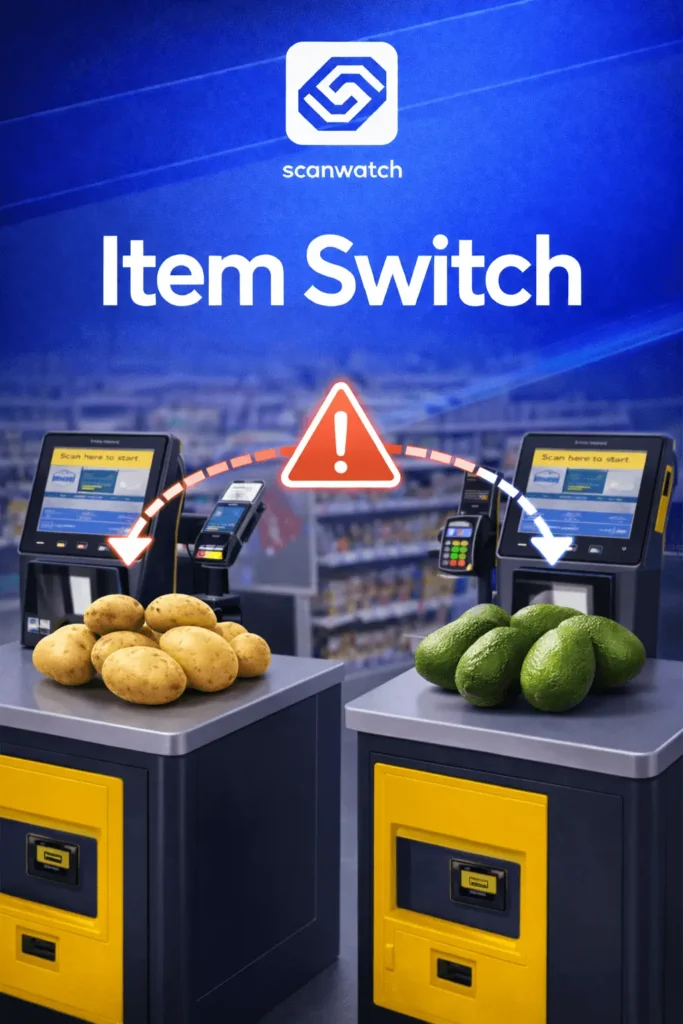
Item Switch is an AI-powered system that detects item substitution at self-checkout stations.
Benefits of Item Switch
Item Switch detects item switching and incorrect product selection at self-checkout by comparing the selected unpackaged item with verified reference images. The system identifies mismatches in real time and alerts stores without collecting or processing personal data.
Identifies incorrect item selection and product substitution in real time.
Prevents revenue loss caused by misdeclared unpackaged items.
Ensures the correct product is selected before the transaction is completed.
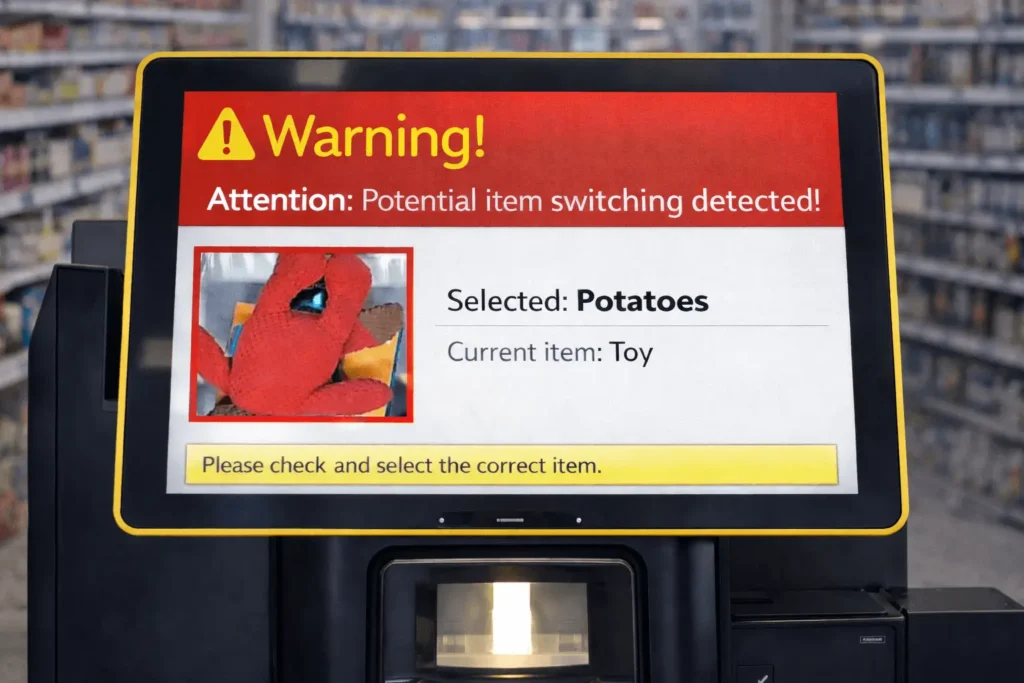
Mismatch warnings can be shown to staff or customers, based on store policy.
No personal data is collected, stored, or analyzed.
Trusted by:



Key Features
By using computer vision and product image verification, Item Switch helps retailers prevent item switching, reduce checkout fraud, and improve checkout accuracy without impacting the customer experience.
AI-Based Product Verification
Uses retail computer vision to compare live product images with verified database references.
Real-Time Mismatch Detection
Instantly detects product substitution and identifies the exact checkout or scale station.
Policy-Driven Alert Handling
Stores decide how mismatches are handled, from customer prompts to staff notifications.
FAQ
Quick Overview
Item Switch is an AI-based product substitution detection feature designed for self-checkout and scale-based retail environments.
It verifies that the unpackaged product selected by the customer matches the actual item placed on the scale or scanned at checkout.
Product substitution occurs when a customer selects a cheaper or incorrect unpackaged item at self-checkout instead of the actual product placed on the scale.
Item Switch compares the image of the weighed or scanned product with reference images using AI-powered product recognition.
Does Item Switch identify or track customers?
No. The system does not identify individuals and does not process personal data.
Yes. Alerts can be displayed on the self-checkout or scale screen, depending on store configuration.
Yes. It integrates with existing checkout and scale workflows without disrupting operations.
How It Works?
Item Switch in four steps.
Product Placement
The customer places an unpackaged item on the scale or selects it at self-checkout.
Product Recognition
The system analyzes the product image and compares it to the correct product reference.
Product Substitution Detection
If a mismatch is detected, the system flags incorrect item selection.
Store Response
An alert is issued according to store policy, enabling correction or further action.
Reduce Item Switching and Self-Checkout Fraud
See how Item Switch improves checkout accuracy and supports modern loss prevention strategies.

Evaldas Budvilaitis
Co-Founder